

Free Presentation Templates for
Google Slides and PowerPoint
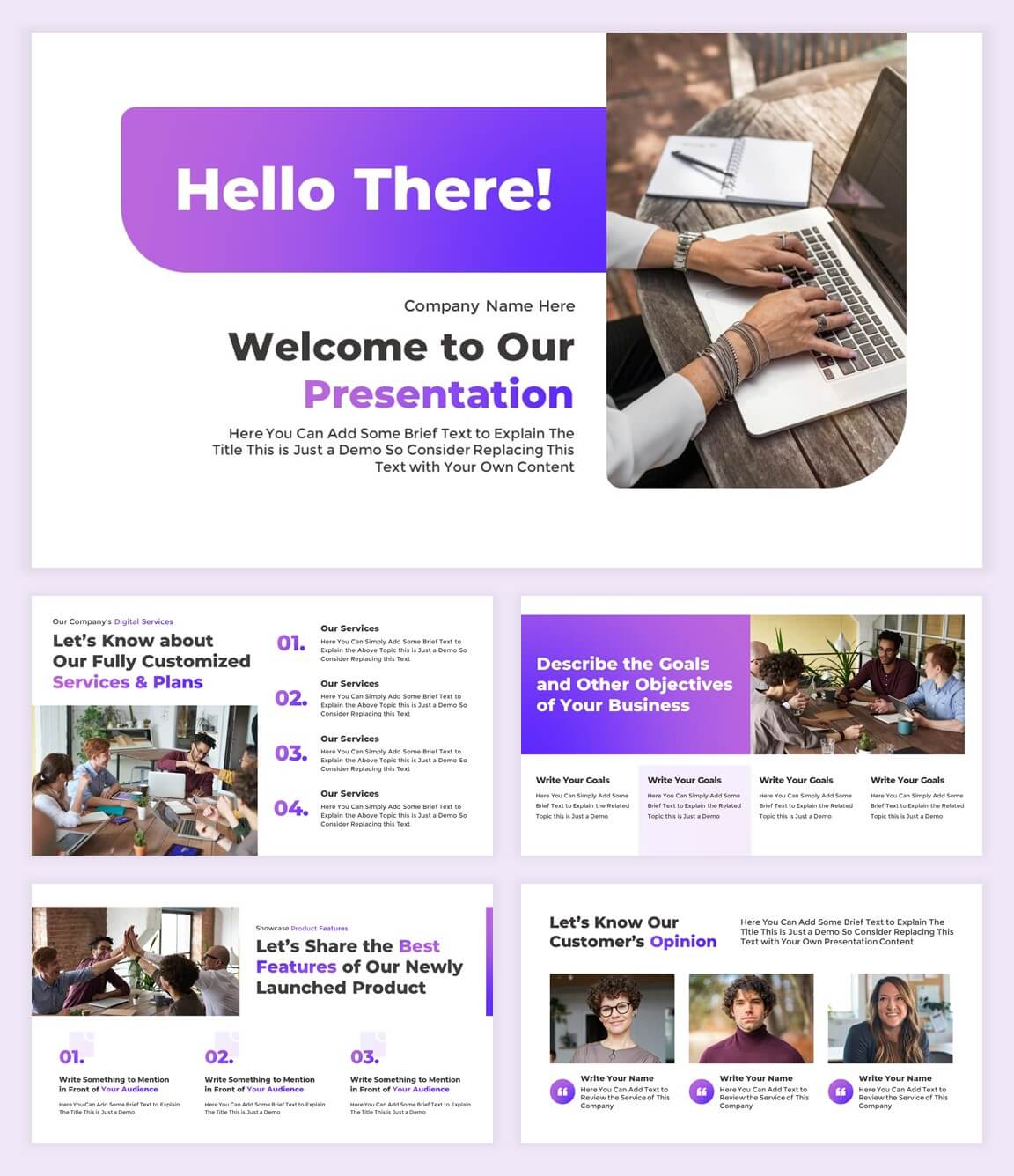
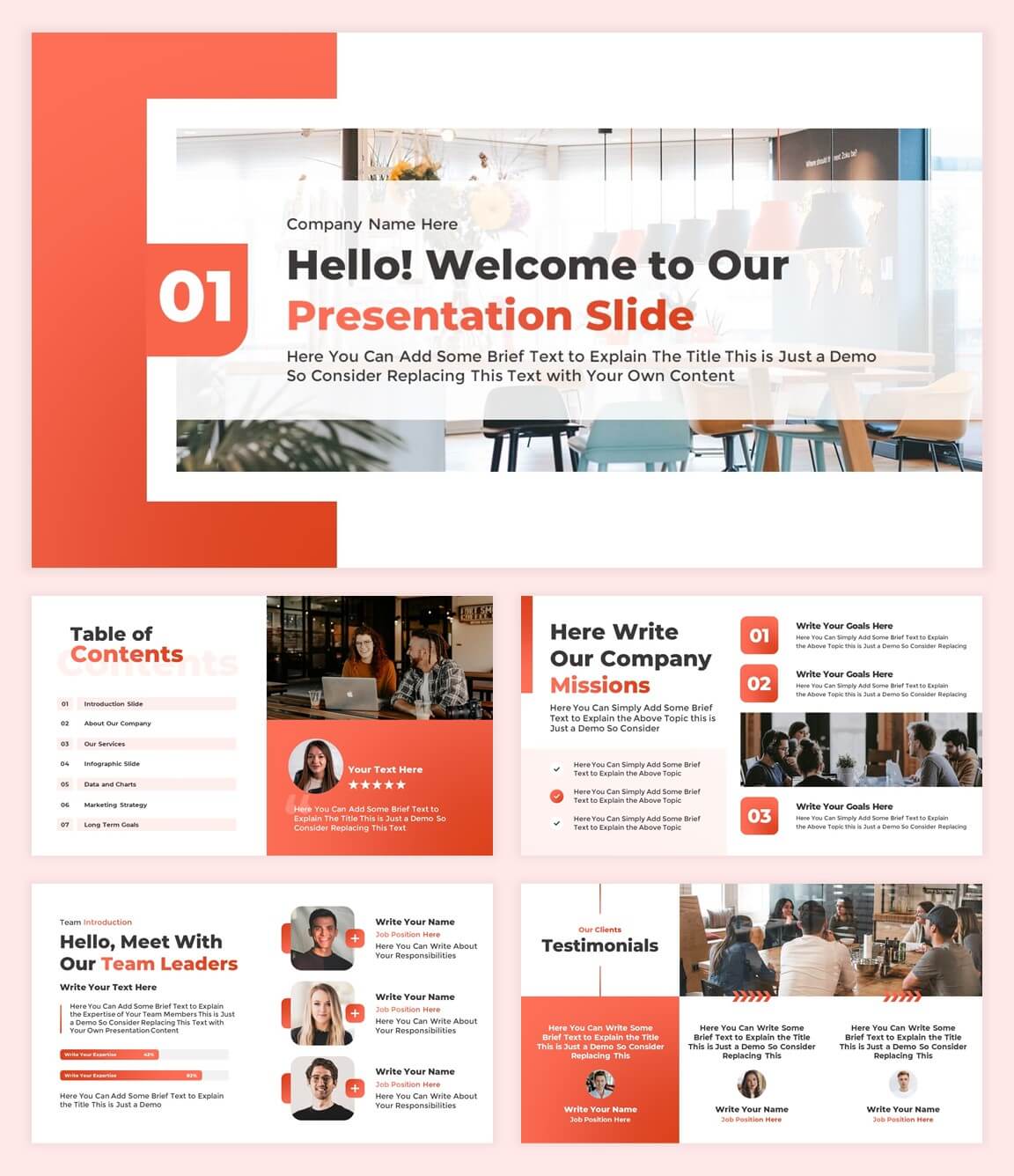
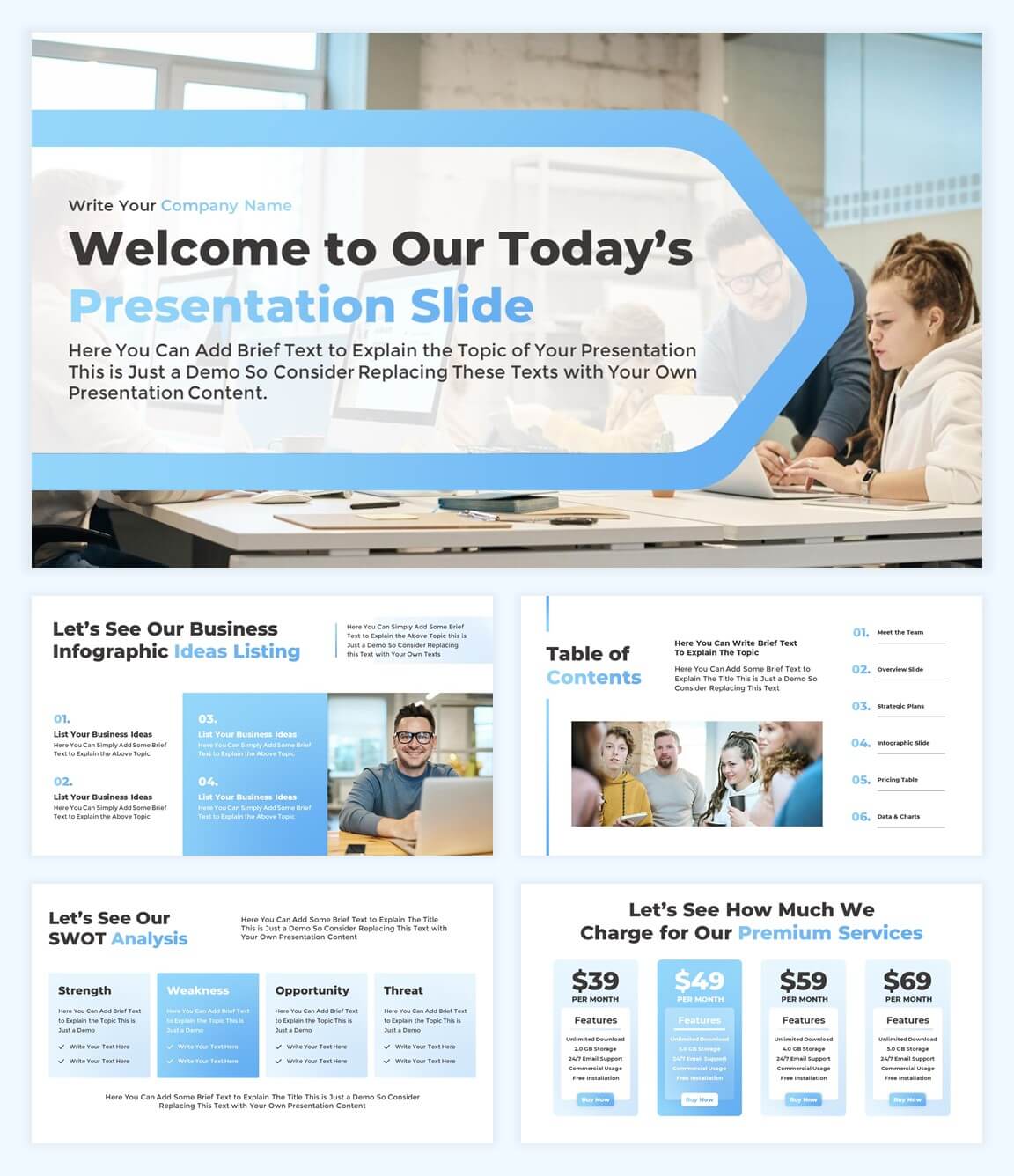
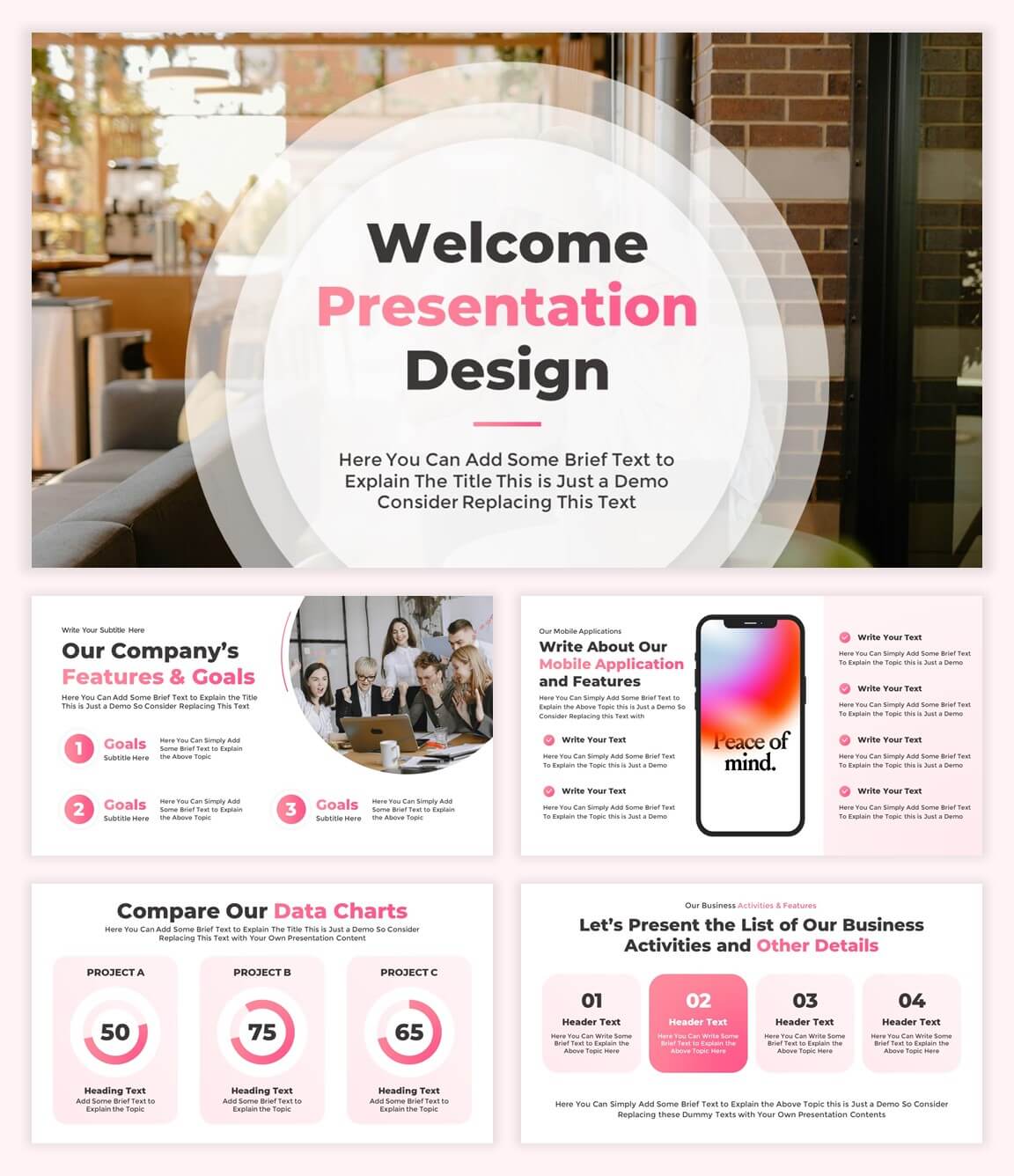
Here you can find all our free presentation templates for Google Slides and PowerPoint in one place. Quickly choose a ready-made design for any type of presentation. Browse templates for business, education, marketing, reports, pitch decks, and more.
-

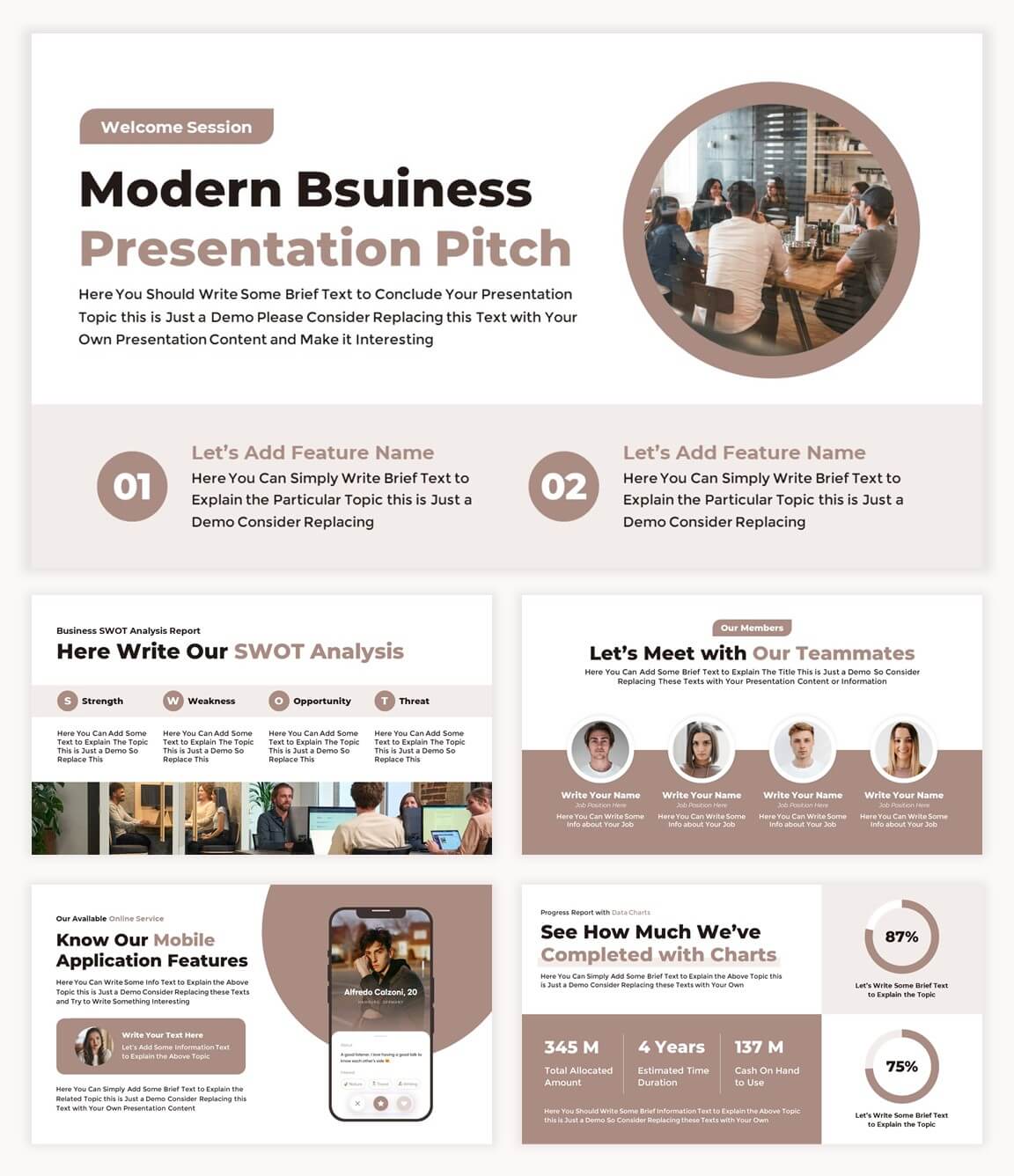
Free Modern Business Proposal Template for Presentation
-
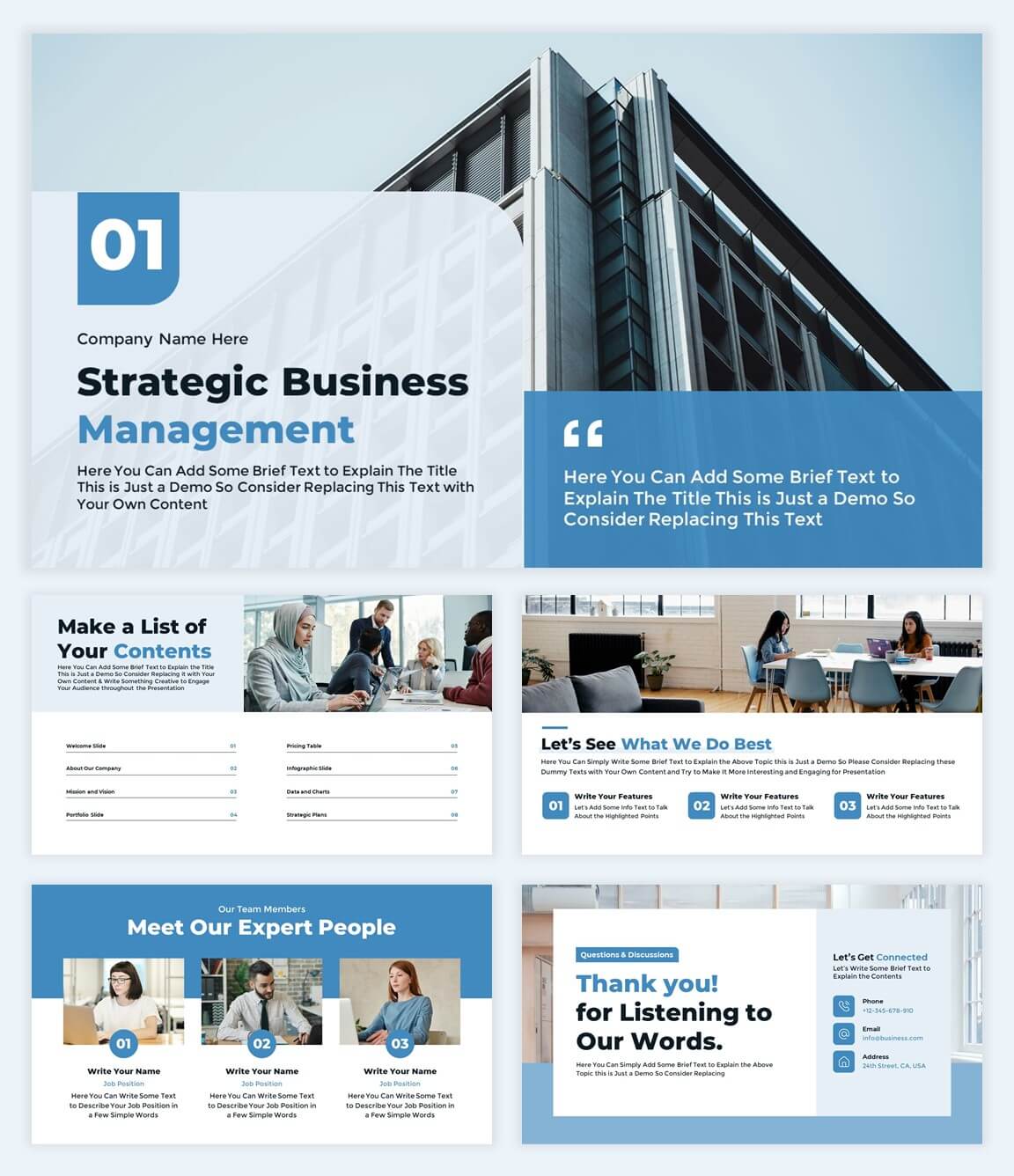
Business Strategic Management Presentation Template
-
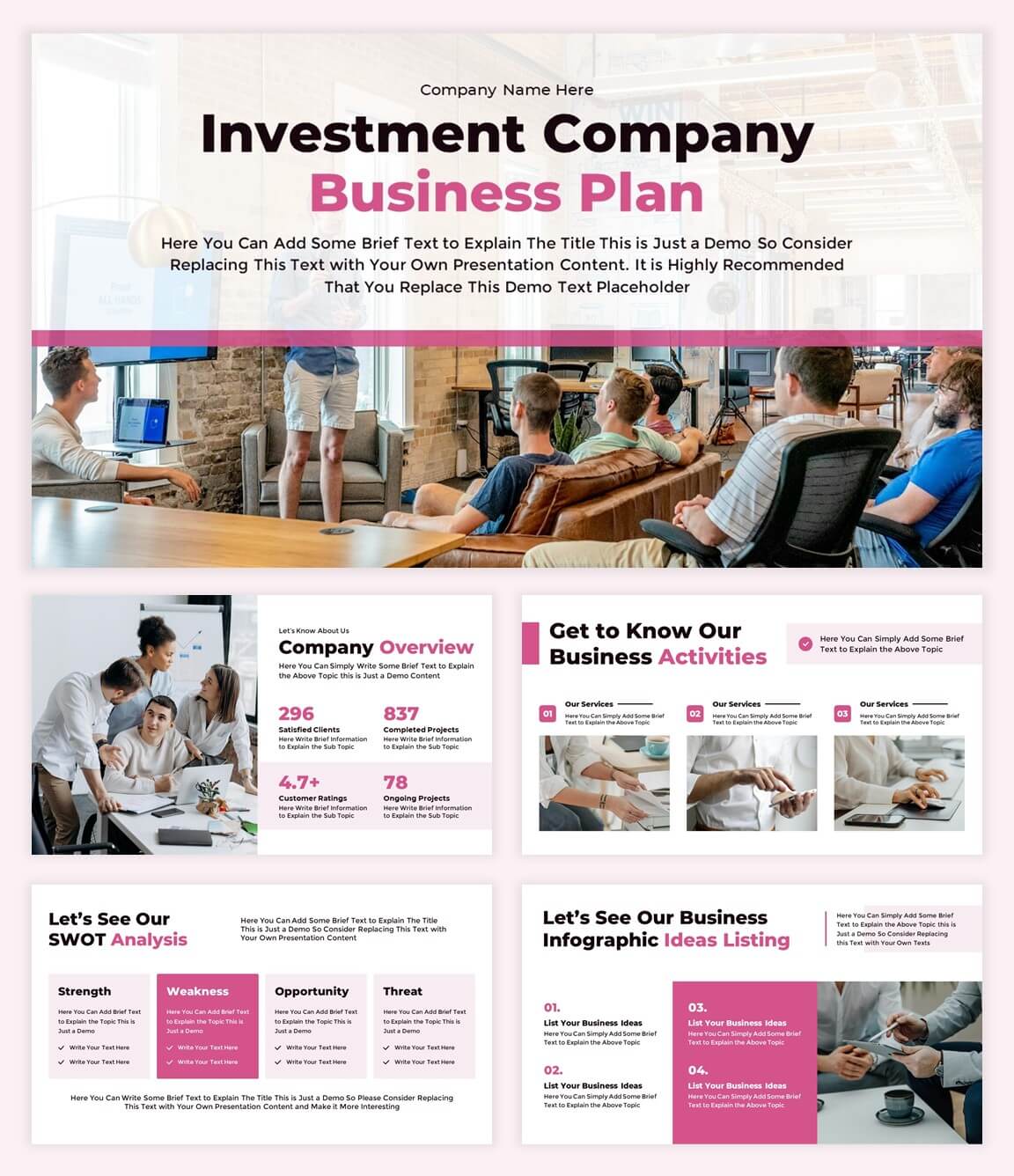
Investment Company Presentation with Business Plan
-
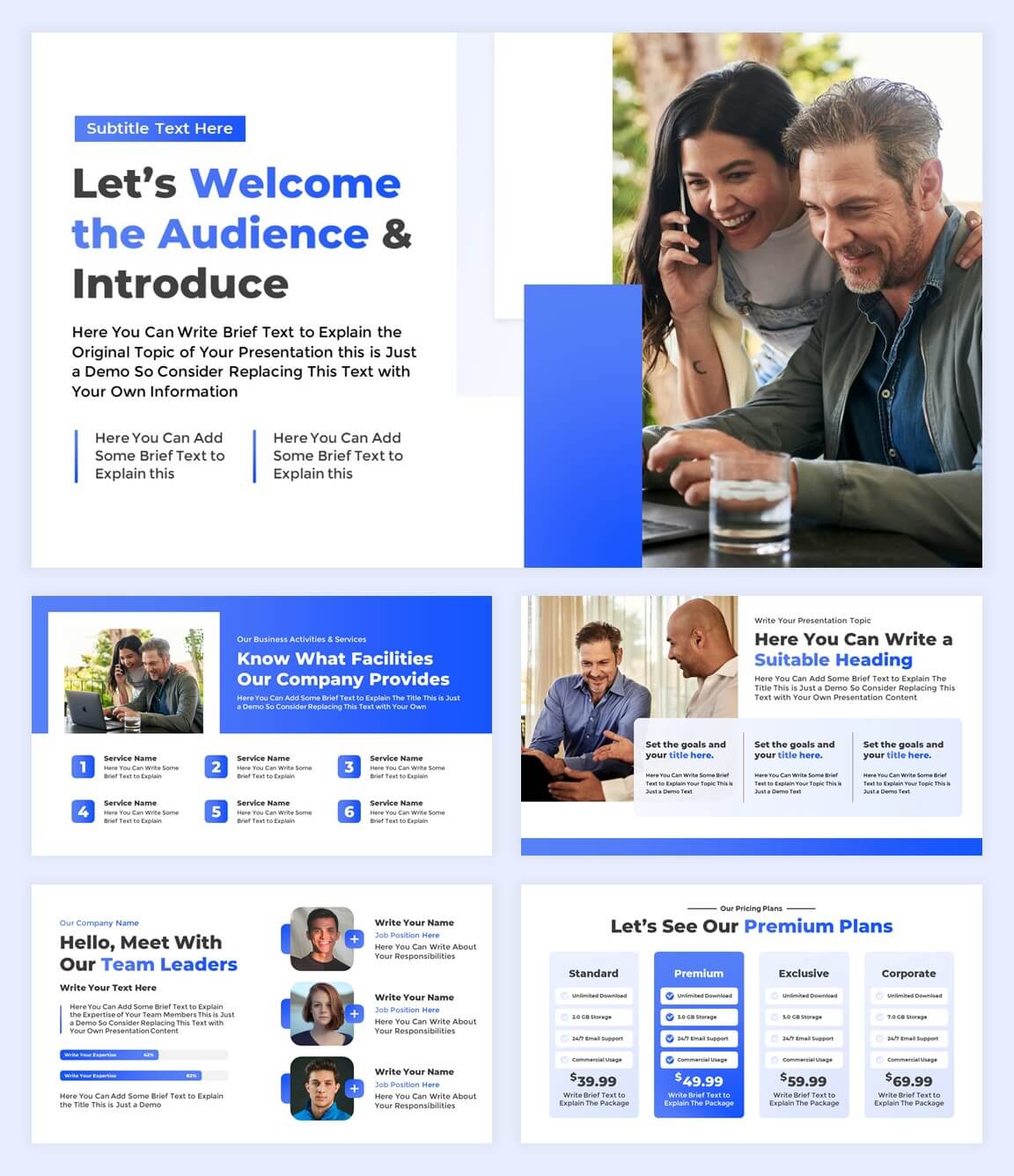
Formal Business Plan Presentation Template
-
Company Overview Presentation for Google Slides
-
Fundraising Pitch Deck Slides for Successful Startups
-
Clean Investor Pitch Deck for Seed Funding
-
Startup Business Plan Presentation for Google Slides
-
Simple Business Plan Deck for Small Business

Frequently Asked Questions
No. You can download any free presentation template without creating an account or logging in. Just open the template page, choose PowerPoint or Google Slides, and start using it.
All of our templates are available in two formats: an editable Google Slides version that you can edit online for free, and a PowerPoint (.pptx) file that works with the latest versions of Microsoft Office. You can choose the format that best fits your presentation software.
Yes. Every free presentation template is fully editable in both PowerPoint and Google Slides. You can update colors, fonts, and layouts to match your brand or style without breaking the design.
Most of our free presentation templates are created in 16:9 widescreen, which is the best size for modern screens and projectors. You can still change the slide size in PowerPoint or Google Slides, but we suggest keeping 16:9 for the best look.
Yes. Our templates are designed for beginners. Just click on any text box or image and replace the content with your own. This helps you build a professional presentation much faster than starting from a blank slide.